
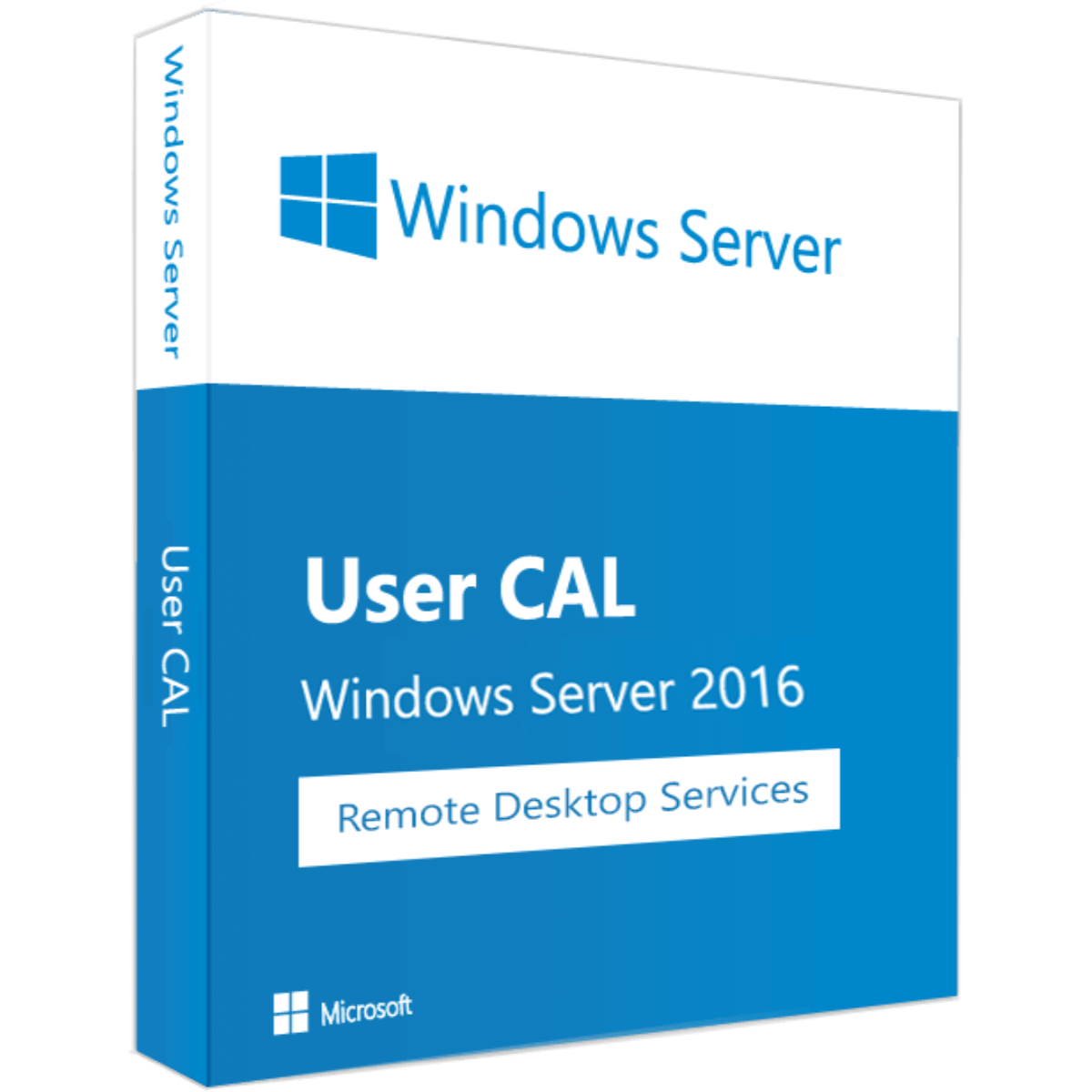
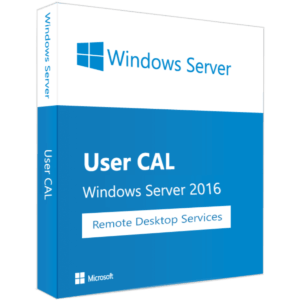
Windows Server 2016 RDS 5 User CAL is a Remote Desktop Services (RDS) user license that allows 5 users to access a Remote Desktop Services server remotely. Install it on your Windows Server 2016 RDS server (Standard or Datacenter). It is a lifetime license with worldwide use and a further 2-year warranty.
Why buy Windows Server 2016 RDS 5 User CAL?
- Lifetime license: guaranteed to work for life. The license key has no activation time limit and can be activated at any time.
- 2-year warranty: a further 2-year warranty for your peace of mind.
- Worldwide license: use it in any part of the world without restrictions.
- 5 users: allows 5 users to connect to your Remote Desktop Services server.
What is an RDS User CAL?
- A User CAL lets a user connect to a Remote Desktop Services server from any device
- Each user who connects to the server needs a CAL
- It is a CAL only: you also need a Windows Server with the Remote Desktop Services role
Requirements
- Windows Server 2016 Standard or Datacenter with the Remote Desktop Services role
- A Remote Desktop licensing server to install the CALs
How to install Windows Server 2016 RDS 5 User CAL
- Place your order and check your email for your license key and instructions.
- Open Remote Desktop Licensing Manager on your licensing server and start the Install Licenses wizard.
- Enter your license key when prompted and activate the CALs.
Frequently asked questions
Does the license expire?
No. It is a lifetime license with no activation time limit.
Does it include the Windows Server license?
No. This is a User CAL only. You need a Windows Server with the Remote Desktop Services role.
Can I use it anywhere in the world?
Yes. The license can be used in any part of the world without restrictions.
Is there a warranty?
Yes. We offer a further 2-year warranty.
Looking for another version? Browse more Windows licenses.
Only logged in customers who have purchased this product may leave a review.
Related products
Trending Products
Windows
Trending Products
Windows
Development
Development
Windows
Reviews
There are no reviews yet.